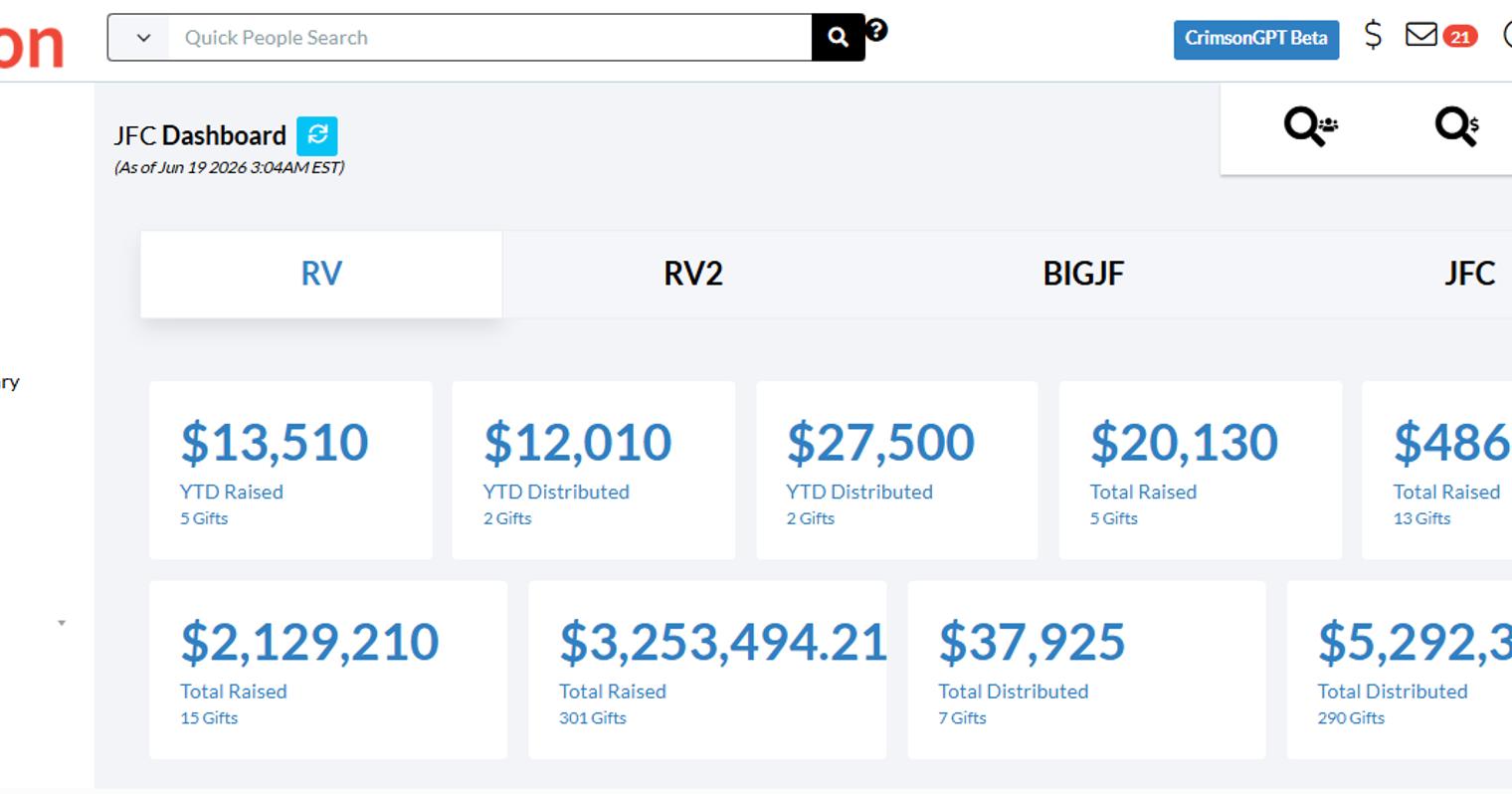
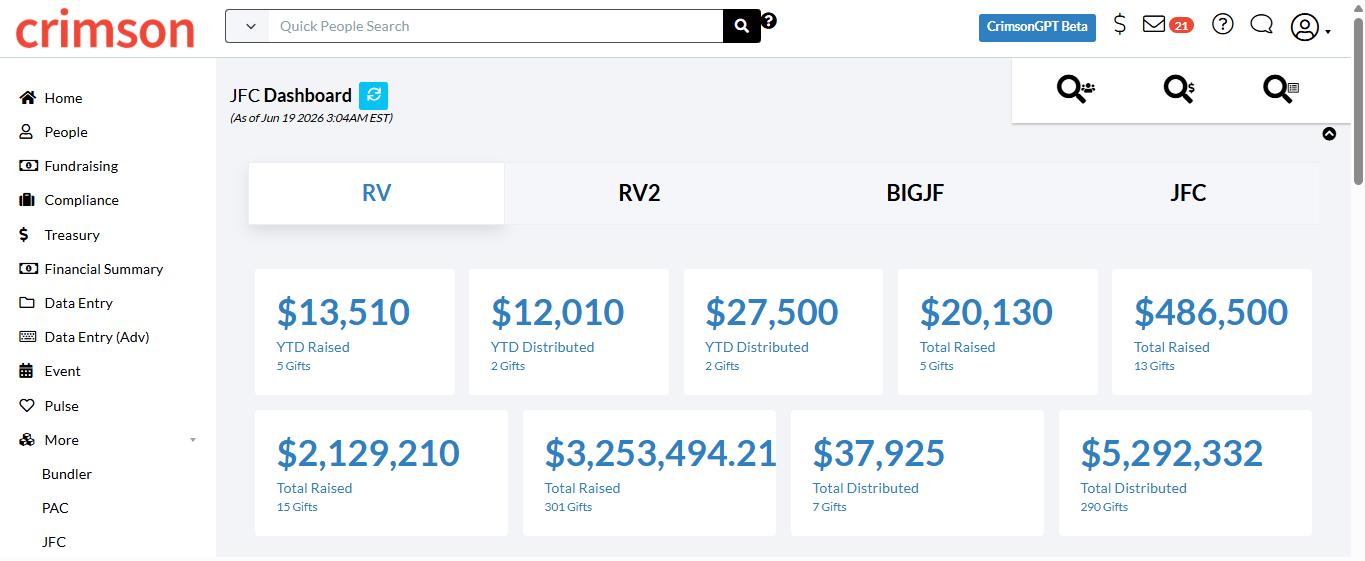
Joint Fundraising Committees (JFCs) are one of the more complex areas of campaign finance — coordinating contributions across multiple participants, tracking distributions, and staying on top of compliance all at once. The Crimson JFC Dashboard was built to bring all of that into one place, giving your team a clear, real-time picture of where your JFC funds stand and what still needs to be done.
Whether you're managing a new JFC or working through a backlog of distributions, here's a look at what the dashboard offers and how to get the most out of it.
What Is the JFC Dashboard?
The JFC Dashboard is a centralized hub that displays totals, distribution summaries, top 5 records, and action items — all without requiring you to leave the page to complete key tasks. It's designed to keep your JFC operations moving efficiently from receipt to distribution.
Getting Around: Navigation and Action Buttons
In the upper right corner of the dashboard, the Dashboard Navigation Bar gives you quick access to:

People Search
Money Search
JFC Search
Along the top of the dashboard, the Dashboard Action Buttons let you take immediate action on common tasks:
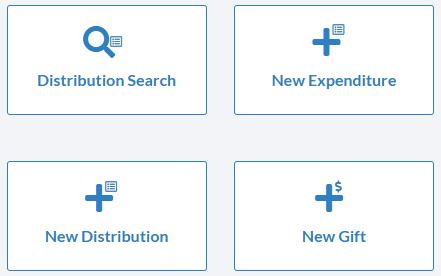
Distribution Search — find existing distributions
New Expenditure — log new disbursements
New Distribution — record a new distribution to participants
New Gift — enter an incoming contribution
These buttons mean your team can act on what they're seeing without jumping between screens.
Understanding the Dashboard at a Glance
Summary Cards
The first four cards at the top of the dashboard give you an instant financial snapshot of the JFC:
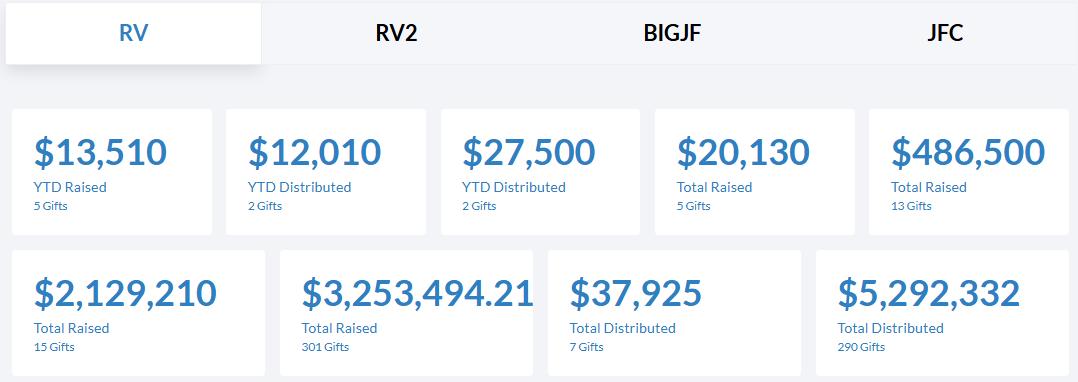
Total raised (year-to-date)
Total distributed (year-to-date)
Total raised (all-time)
Total distributed (all-time)
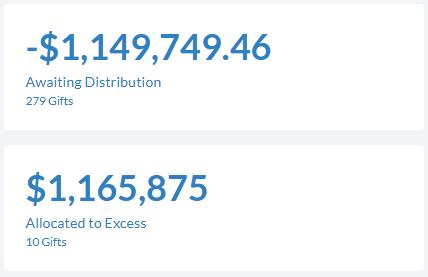
Below those, two additional cards highlight funds awaiting distribution and any amounts designated as excess — so you always know what's pending action.
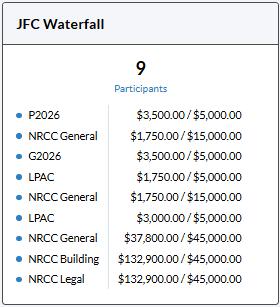
JFC Waterfall
The JFC Waterfall visualizes the allocation formula applied to incoming contributions, broken down by donor type: individuals/non multi-candidate PACs versus multi-candidate PACs. A pie chart alongside it shows the breakdown of JFC Codes used in Crimson, giving you a clear picture of how contributions are being categorized.
Total $ Distributed by Participant
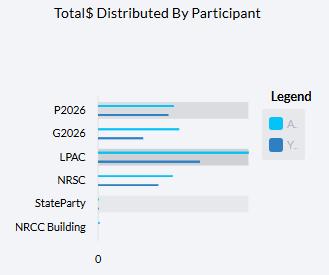
This bar graph compares how much each JFC participant has received, showing both all-time and year-to-date figures side by side. Hovering over any bar reveals the exact dollar amount — useful for confirming distributions are flowing to the right participants in the right proportions.
Top 5 Lists: Prioritizing What Needs Attention
The dashboard surfaces Top 5 lists that summarize the most important information at a glance:
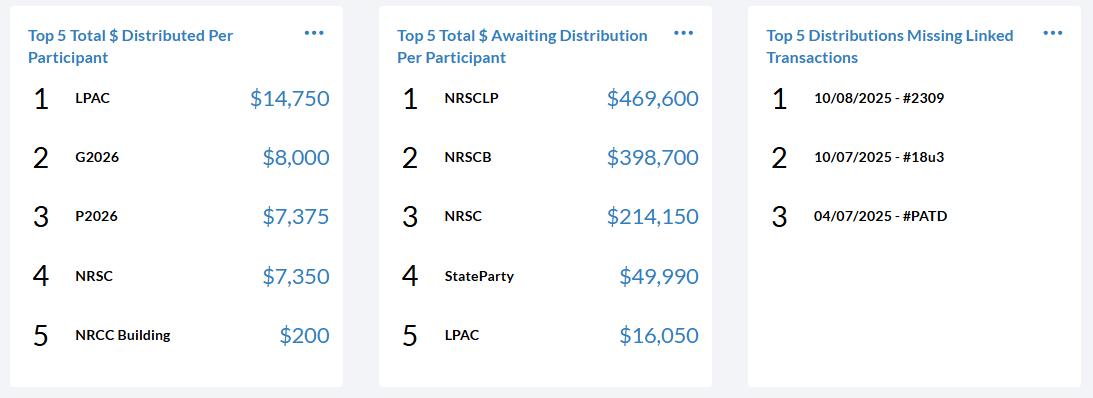
Top participants by total amount distributed
Top participants by total amount awaiting distribution
Top distributions missing linked transactions
Clicking any item in these lists opens the related transactions — a fast way to drill into the records that need review without running a separate report.
The list of distributions missing linked transactions is especially useful for compliance purposes, since unlinked records can create gaps in your filing data.
JFC Reports and Compliance Reports
At the bottom of the JFC Dashboard, you'll find quick links to the most commonly used JFC Reports and Compliance Reports. Click any report title to run it directly, or click the blue dot button to view the full list of available reports.
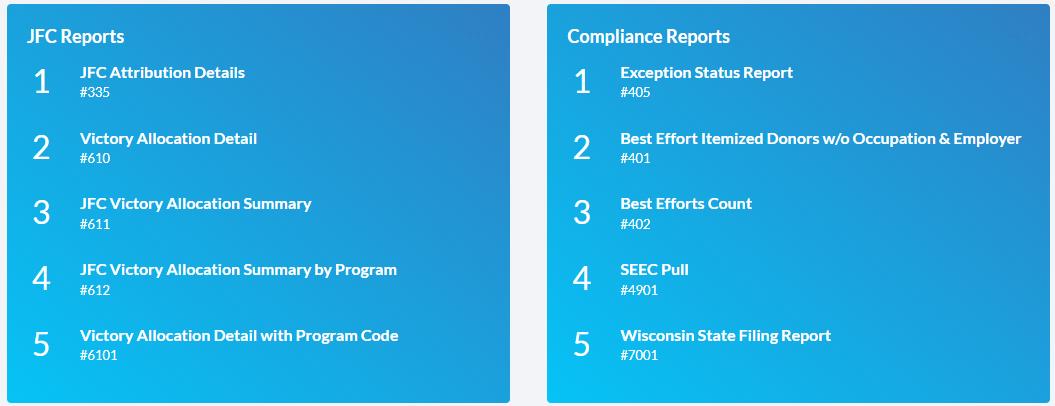
Having these reports accessible from the dashboard means your team can move from spotting an issue in the top 5 lists to running the relevant report in just a few clicks.
Tips for Getting the Most Out of the JFC Dashboard
Start with the summary cards. If your all-time and year-to-date totals look off, it's a signal to dig into recent gifts or distributions before proceeding.
Check the "awaiting distribution" card regularly. Funds sitting unallocated can become a compliance issue if left too long.
Use the Top 5 list for missing linked transactions as a regular checklist. Resolving these before your next filing period will save time and reduce the risk of errors.
Run the waterfall check. If your JFC accepts contributions from both individual donors and multi-candidate PACs, confirm the allocation formula is being applied correctly for each type.