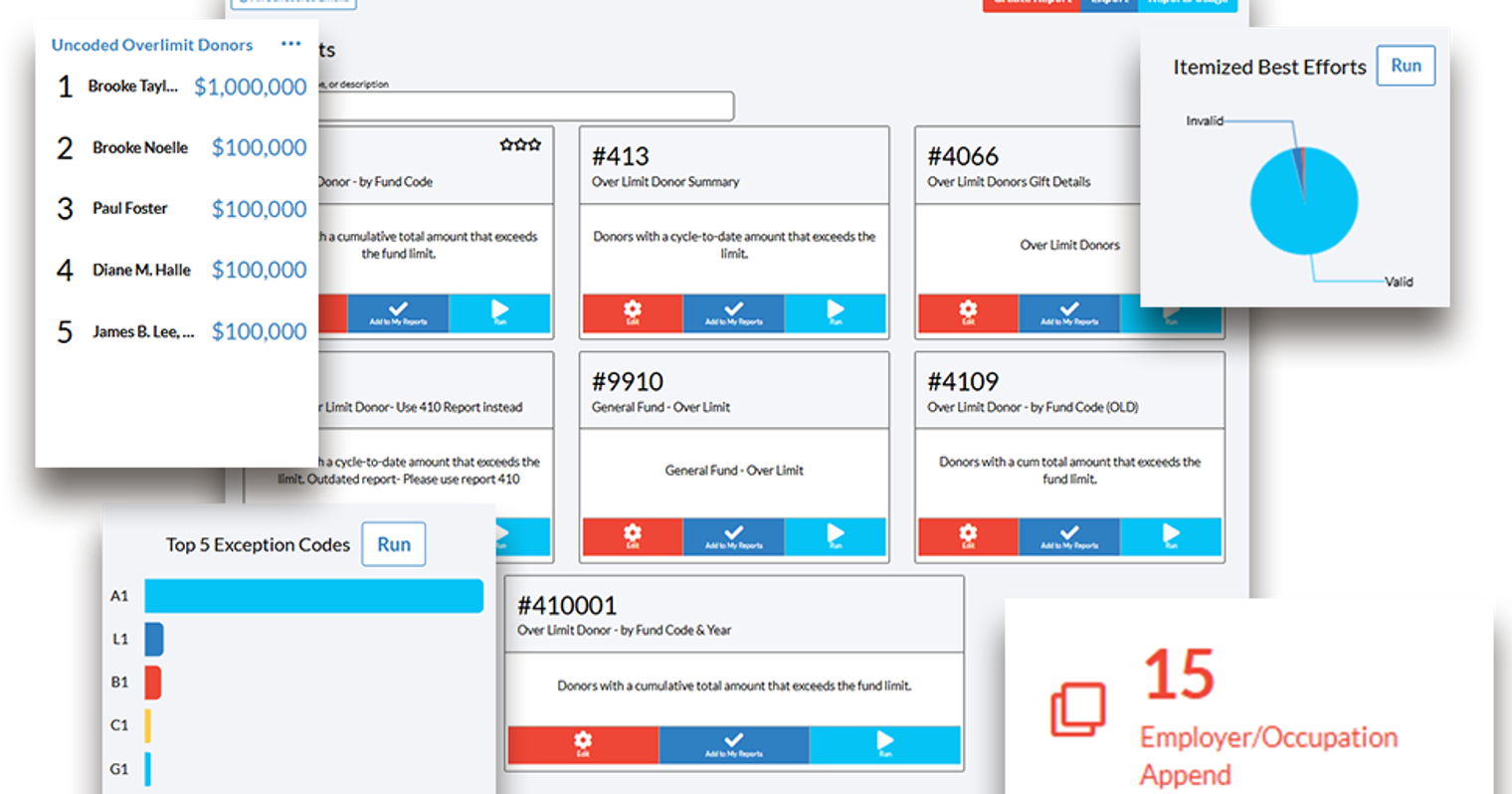
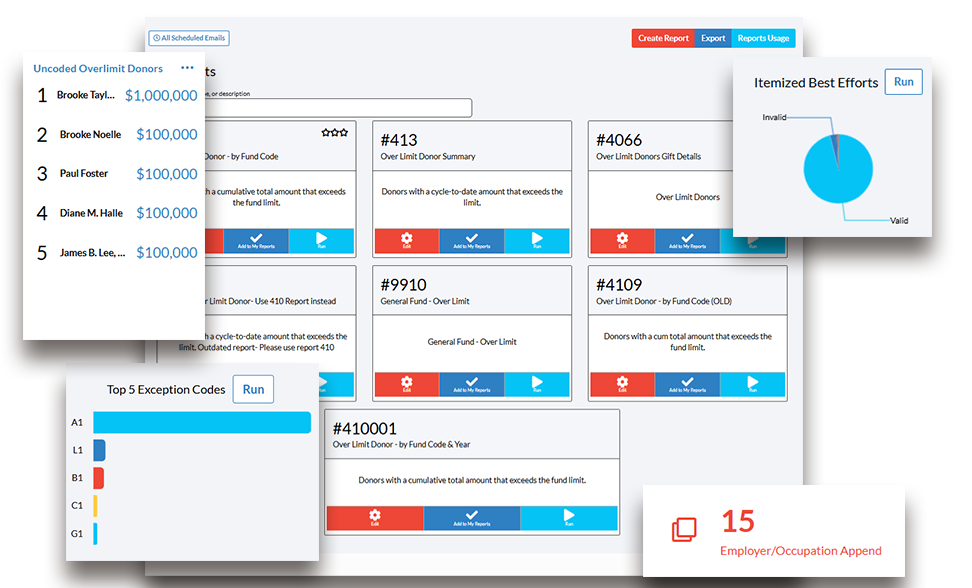
Following up with donors who have contributed too much to a campaign is increasingly important. With the growth of multi-channel fundraising, it’s now possible for undisclosed donors to make enough repeated gifts and go over FEC limits. With Crimson, it’s possible to find these donations and either reattribute or redesignate them rather than issue refunds.
See below for possible tools in Crimson that help identify over limit donors long before you need to prepare your next FEC filing.
Before you flag these donors for contributing too much, it’s important to clean your data. Run reports on Irregular Names, Possible Duplicates, Bad Addresses, and the Dupe Checker report.
Where to Look for Over Limit Donors in Crimson
People Profile
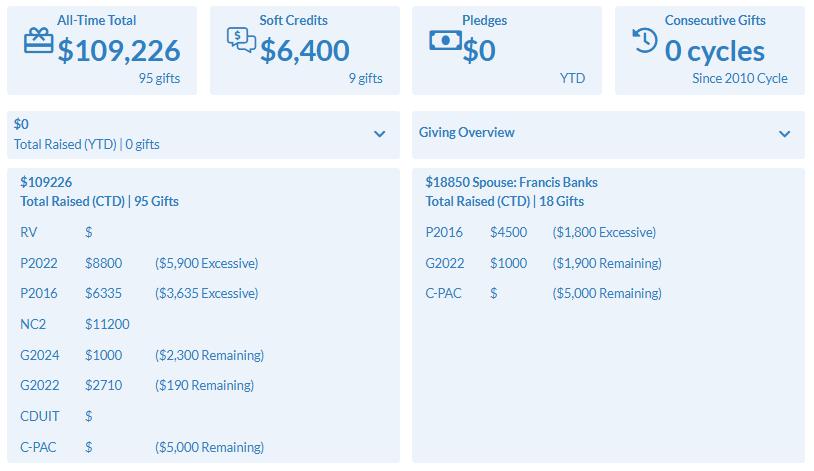
Under the Gift History section, you can see the donations made this cycle and if any limits were surpassed with the excessive donation total noted. The Giving Overview also flags donations made by spouses and if any are excessive.
Compliance Dashboard
On the Compliance Dashboard, there are many tools that can help you identify overlimit donors. Many of these involve Exception Codes, which are used to tag gifts that need futher attention for FEC compliance and often have expiration dates. These codes make it easier to pull and maintain lists for Exception Letters that need to be sent to donors. These Compliance features include:
Employer/Occupation Append: identifies possible matches for employer information in donations that are missing it.
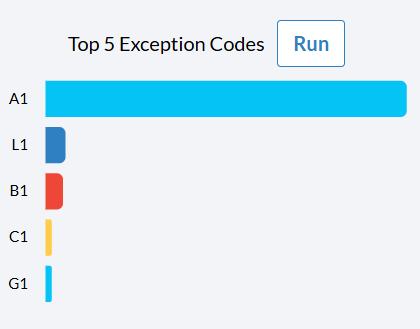
Exception Code Select: allows you to pull records that need to receive specific compliance letters by fund code and exception code. This feature works with Crimson's exception code system to help you target the right donor with the right notifications and requests.
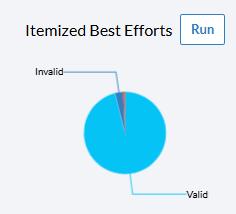
Best Efforts Select: pulls all donors who need to be sent best efforts letters for occupation and/or employer information by fund code, helping you satisfy FEC best efforts requirements efficiently.
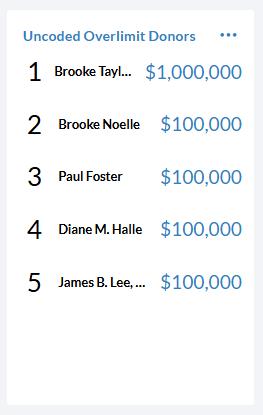
Uncoded Overlimit Donors: This list displays the top 5 overlimit donors that need priority attention and have not had an exception code applied. Click on the 3 dots in the upper right corner to open a list of these donors with their name, Fund Code, Amount and the Most Recent Contribution Date.
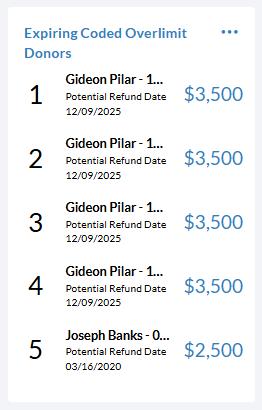
Expiring Coded Overlimit Donors: This list displays donors who had an Exception Code that is close to expiring.
Compliance Reports & Data Maintenance Reports: the blue reports boxes link you to the most popular compliance and data maintenance reports.
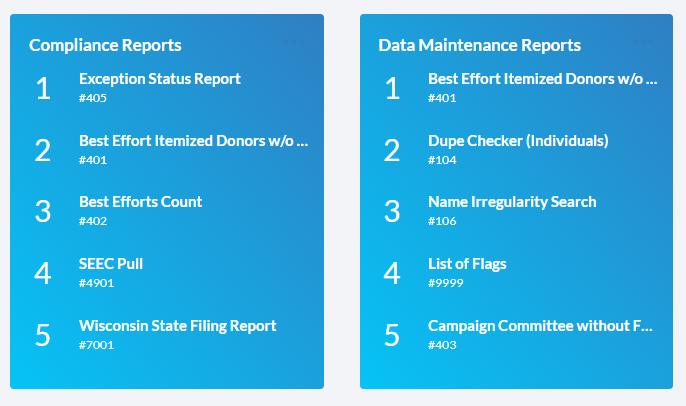
For more information on the Compliance Dashboard, see the recent Feature of the Month post from January.
How to Find & Run Over Limit Reports
Once you have checked your data for irregular names, bad addresses, and duplicates, you should look for your potential overlimit donors. You can click on the Uncoded Over Limit Donors area of the Compliance dashboard (as seen above), or you can run an overlimit report.
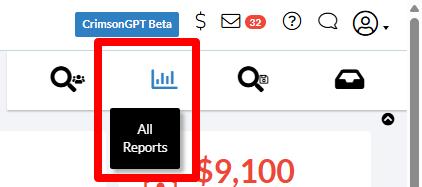
1. Click on the Report icon in the Quick Nav on the Crimson Home dashboard.
2. Enter “overlimit” in the search bar. Select the over limit donor report which you would like to run.
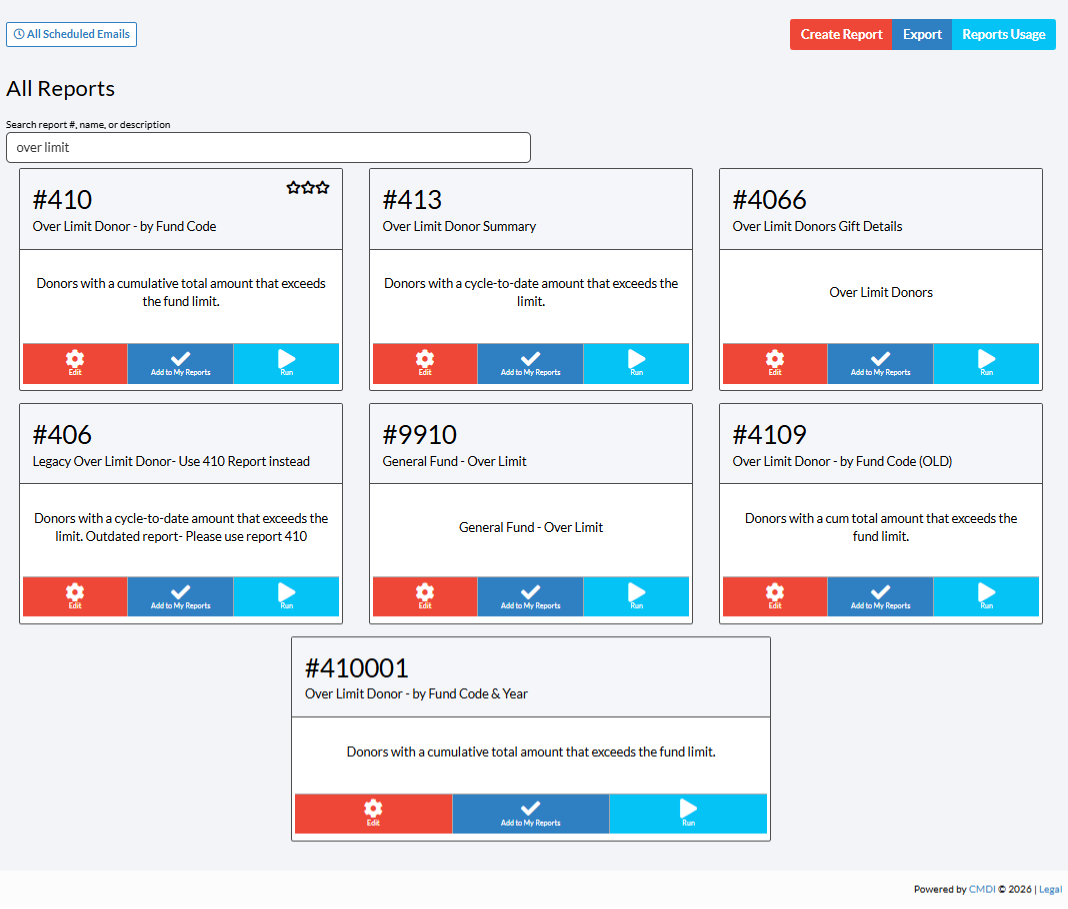
There are four reports specifically built this purpose:
#410 Over Limit Donor - by Fund Code: Donors with a cumulative total amount that exceeds the fund limit. Results include donor name, address, over limit fund code, limit, cumulative total, last gift ID and date, comments with money type, adjustments, exception codes, and spouse name
#413 Over Limit Donors Summary: Donors with a Cycle-to-Date amount that exceeds the limit. This report gives more contact information and donor summary details. Results include donor name, phone numbers, email, fund code cumulative total, limit, excess amount, Cycle-to-Date, last gift MID (per fund code), and source code for that gift
#4066 Over Limit Donors Gift Details: This report lists all donations for the fund codes selected for a donor who is over limit. Results include donor name, address, fund code over limit, gift ID, amount and date, Limit for Fund Code, Cycle-to-Date amount, Year-to-Date amount, comment with money type, adjustments, exception codes, and spouse name
#9910 General Fund - Over Limit: This report finds over limit donations made to the general fund. Results include the PID, donor name, employer, occupation, and address.