

The CMDI Blog
Featured Posts
Crimson Spotlight: Using Email Scheduler to Track 48-Hour Contributions
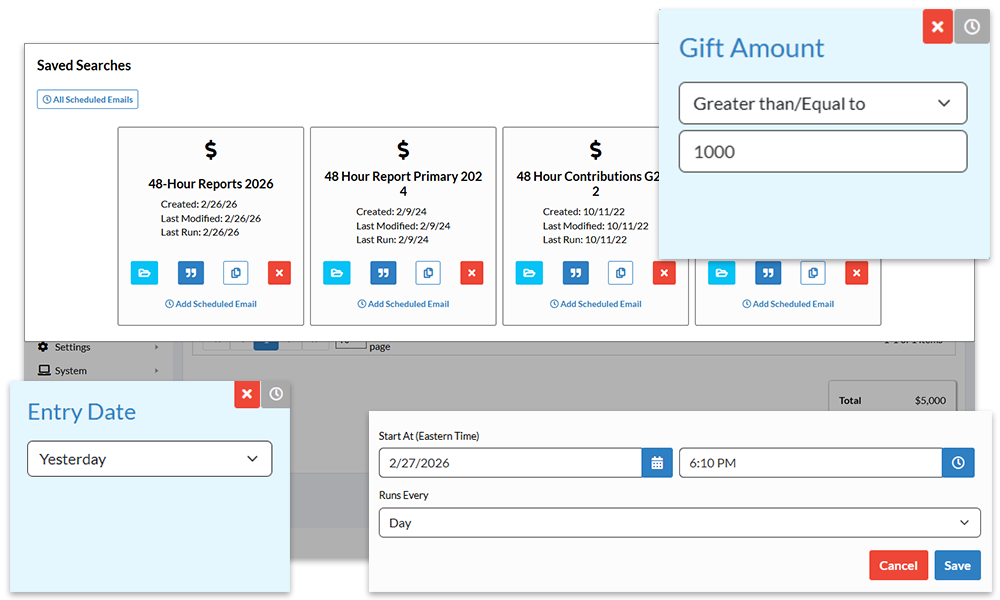
The 2026 primary season starts on March 3 with Arkansas, North Carolina, and Texas, so the time frame for filing 48-Hour Notices will be starting for many campaigns. These must be filed for donations over $1,000 between 20 days and 48 hours before a primary or general election. Crimson's Email Scheduler can alert you via a daily email when new reportable donations are entered into Crimson.
Organizing Your Data in Crimson
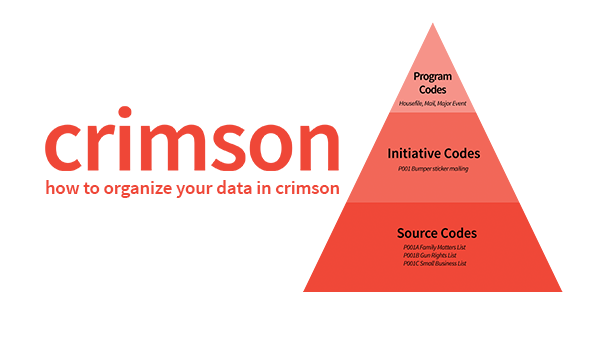
January is the perfect time to evaluate your Crimson database and make sure you are doing everything possible to keep your data clean and organized. This starts by understanding how data is arranged in Crimson.
Crimson Feature of the Month: Payment Requests – Treasury
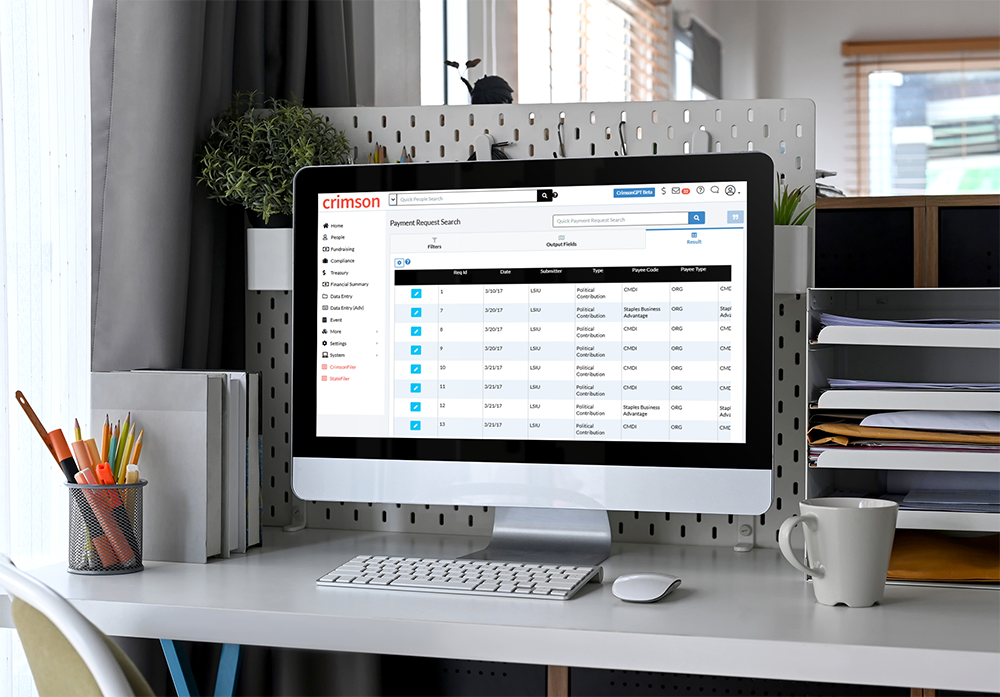
The Payment Requests tools in Crimson contains two sides – My Payment Requests and Treasury. The My Payment Requests tools enables Crimson users to submit requests for expense reports, vendor payments, donation refunds and contribution requests.

Crimson Feature Spotlight: JFC Vetting Tool
As more major gifts flow through JFCs, the need to vet contributions for compliance, especially to ensure donors aren’t exceeding legal limits, has become a significant challenge. To streamline this process, Crimson’s JFC Vetting Tool simplifies donation review by using import matching logic to check if a donor already exists in your database and calculate how much they’ve contributed to a specific fund code.

Crimson Training Sessions: January 22
Start the year off right with Crimson’s first training sessions of 2025 on January 22. Whether you’re new to Crimson or a seasoned user looking to sharpen your skills, these sessions are designed to help you make the most of the platform.